


AR environmental education platform
Role: UX Designer
Timeline: 2023
Platform: AR/Unity

Summary
An educational playful experience app to bring awareness about the declining honeybee population, and how it affects our human world. By using several image targets, the user can unlock educational content on the screen to learn about what honeybees and beekeepers are, as well as learn ways to help save them.

Objectives
Bring awareness about the honeybee population and their importance to our human world
Communicate ways to help them, by using a visual and interactive approach
Create engagement by offering a robust user experience and design
Apparatus
A cardboard Rhombic triacontahedron (8 different image targets total) being the key to unlock the AR content on the screen
Additionally, there is a demo version of the app that uses AR cards as image targets for users who prefer a shorter experience
Creating the shape
A pizza cardboard box was repurposed to create each individual image target
The shape needed to be easy to grasp, light but also somewhat durable since children are not always careful
Each piece was carefully assembled next to one another, since there would only be two image targets per scene (more details will be discussed below)
The result was this geometric shape that is hollow, and also easy to grab and rotate, while light and comfortable for users [it was tested to ensure durability if dropped]
UI flows
Demo Version Flow
Full Version Flow
Desktop version
The main version of the app that utilizes the geometric shape. Users can rotate the shape to unlock different content on the screen, all are educational material regarding the honeybees, and how humans can help them since their population is declining.
First iteration of the desktop version, testing how user would interact with shape and assessing layout options for the screen contentLatest iteration of the desktop version, with a static UI for elements such as hint button, buttons to switch scenes, and also optional sound button, and logo, with main content in the middle of screen.Latest iteration of the desktop version, with a static UI for elements such as hint button, buttons to switch scenes, and also optional sound button, and logo, with main content in the middle of screen.
Challenges
Since the shape has so many sides, and each side is an image target, as the player rotates and interact with the shape, other parts of the adjacent sides are still shown on the screen, therefore, there could be several content overlapping accidentally
Since holding the shape is a core mechanic of the user experience, the weight of the shape was very important to consider
Background music was considered to enhance the experience and create a lively and happy mood, however, not all users would like it throughout, so there needed to be a workaround
Solutions
Create different scenes, with each one having at most 2 image targets, and since there are 8 targets available, there should be a total of four (4) scenes
The player can easily access each scene by clicking on the honeycomb buttons located on the screen UI
Each shape was placed strategically as to never be seen next to another image target on the same scene, so there would not be any “accidental” content overlapping
There is a button that the player can click to play background music, but it is optional and is located in an area where it cannot be accidentally clicked, unless they choose to
Amigo Bee desktop version Demo Video
Mobile app version
The experience was initially explored as mobile-first before expanding to desktop. Early work focused on mobile as a lightweight way to introduce and validate the AR interaction model.
The mobile app uses physical AR cards to unlock content, helping users understand the relationship between honeybees, plants, and ecosystems. The goal was to spark curiosity and conversation through simple, tangible interactions.
The mobile version remains in progress following the desktop build, with future work focused on optimizing layouts and interactions for smaller screens.
Mobile Version Screen Captures
Second iteration of the app, featuring an info button for hints of what to do, a home button. As seen in vertical layout.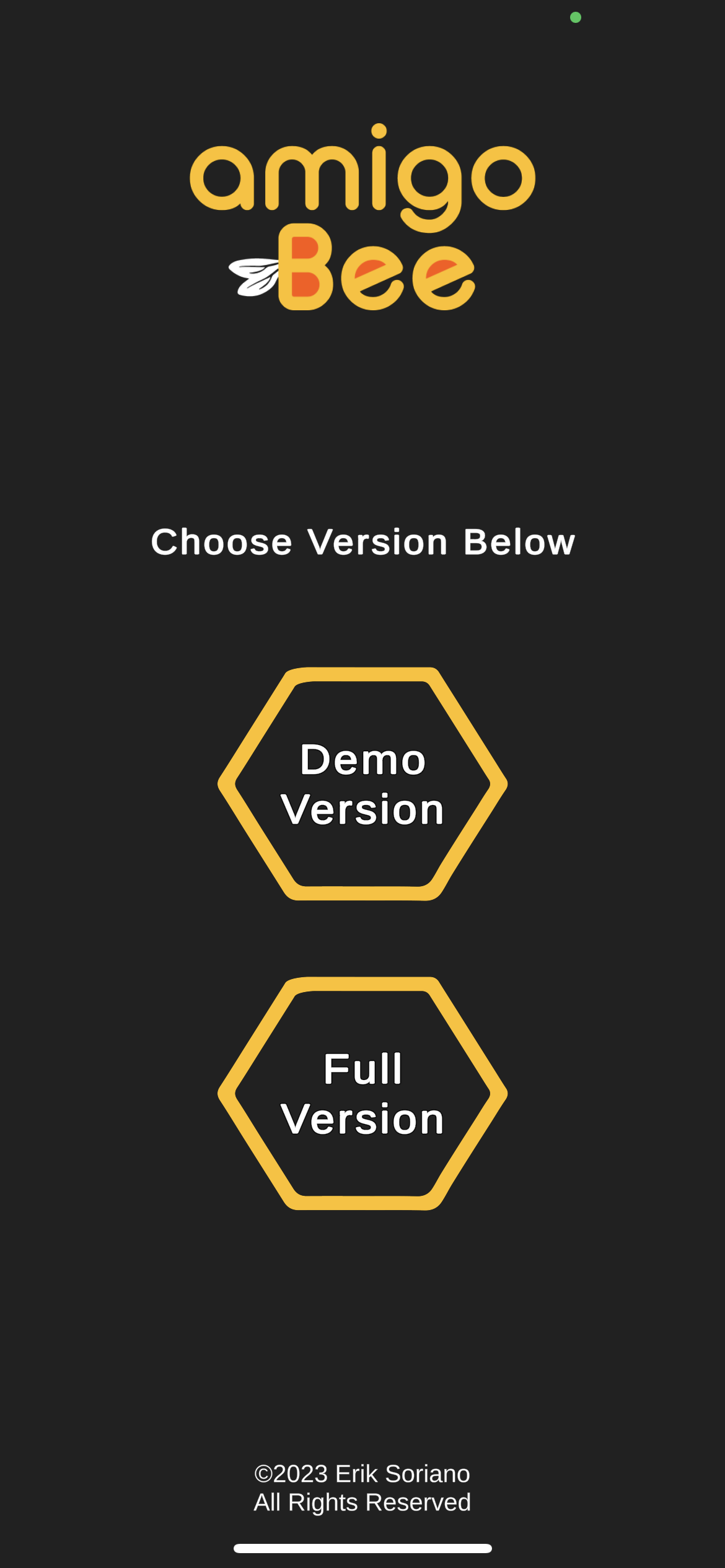
Home Screen after app loadsThe honeybee image unlocking the content showing and comparing honeybees with similar insects.The beekeeper image unlocking an educational video